



Supplier paperwork in,company documents out.
How a specialty chemicals and ingredients business replaced manual retyping of supplier certificates of analysis, technical data sheets and safety data sheets with a guided workflow: upload, match to the company template, review the extracted values, and download a finished document.
The situation
Every batch of a specialty ingredient arrives with its own paperwork - a certificate of analysis from one supplier, a technical data sheet from another, a safety data sheet written to a third layout. Quality, regulatory and commercial teams then retyped the same facts - product name, CAS number, assay, pH, microbiology, hazard statements - into the company’s own templates.
The work was repetitive but not safe to automate blindly. A mistake in an assay result, a CAS number or a hazard statement does not stay cosmetic - it travels into customer files, registrations and shipping paperwork. Someone who understands the product still had to see every value before a document left the building.
A mistake in an assay result or a hazard statement does not stay cosmetic - it travels into customer files and shipping paperwork.
What we built
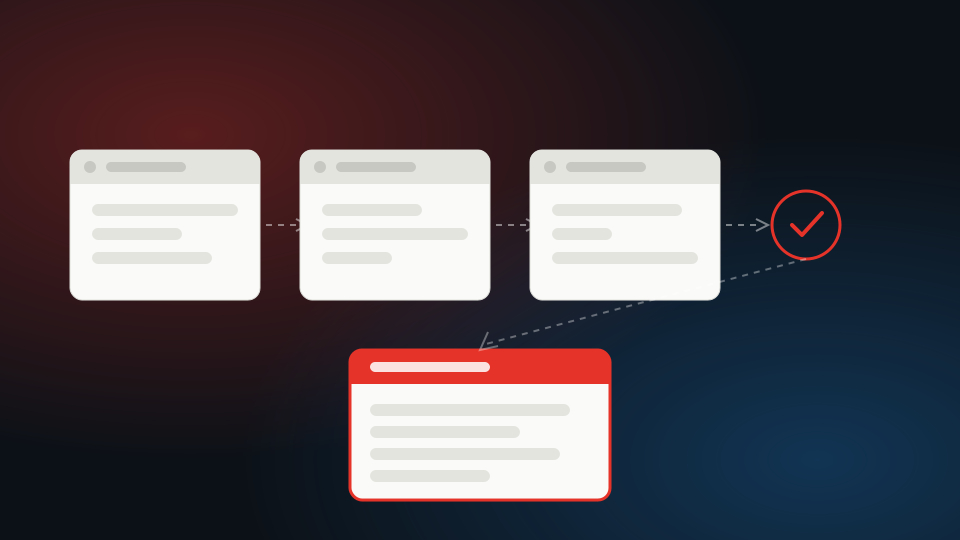
ChemDocFlow is a four-step workspace: upload the supplier document, select the company template, let the system read and map the values, then review before downloading. OCR pulls the text, and a language model backed by document-specific rules turns it into structured fields, matched onto the template’s own placeholders.
Each of the three document types is read differently, because each fails differently. Certificates of analysis get their inconsistent field labels normalized onto the template. Technical data sheets, often a specification table rather than prose, are parsed as tables rather than left for a model to guess. Safety data sheets run through two extractors - fixed rules for CAS numbers, UN numbers and contact details, and a language model for the sections where supplier wording drifts - reconciled with a confidence score, so a thin or empty section is flagged before the document is treated as finished.
Inside the workspace
One document, from supplier file to approved template.
Reading the supplier document
- PDF, Word or image upload, up to 50 MB
- OCR text extraction, then type-specific reading for CoA, TDS or SDS
- Certificate of analysis field labels normalized onto the template’s own names
- Technical data sheet tables parsed directly, not guessed by a model
Safety data sheets, specifically
- All 16 standard SDS sections detected and carried across in full, not summarized
- Missing sections marked, instead of silently dropped
- Rules-based and language-model extraction run in parallel and reconciled with a confidence score
- Supplier headers, footers and branding cleaned away; chemical identifiers and regulatory statements kept
Review and output
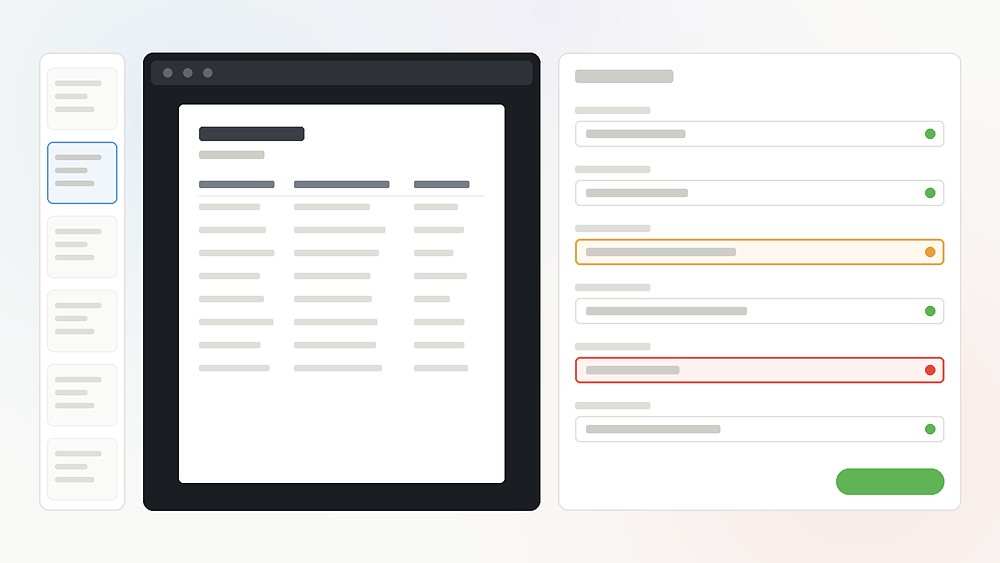
- Every extracted field shown as found or missing, next to the template
- Any field editable before download; the corrected value is what gets saved
- Company-branded PDF or Word output, every time
- A processing history, so a finished document can be reopened and downloaded again
What it looks like
Illustrative views of the workflow, not the client’s live data.
What changed
Retyping becomes reviewing
The team’s time moves from transcription and formatting to checking the values that matter - the judgment stays with the reviewer, not the software.
A gap is visible, not silent
A missing field or a thin SDS section is flagged on screen before a document is issued, instead of surfacing later in a customer file.
One output, regardless of the input
Whatever the supplier’s layout, the finished document is the company’s own PDF or Word template, every time.
How it was built
A web application with OCR and language-model extraction, and a person in the loop before anything is issued.
Other systems we have built near this one
Still retyping supplier certificates into your own templates?
Tell us which document types your team retypes by hand most often. We will show you what a reviewed, not retyped, version of that process looks like.