



Every engineering document,from register to approved.
How an engineering consultancy moved drawings and documents out of shared folders and into one role-based system, with a master register, department checklist review, supervisor approval, and customer and vendor responses on the same record.
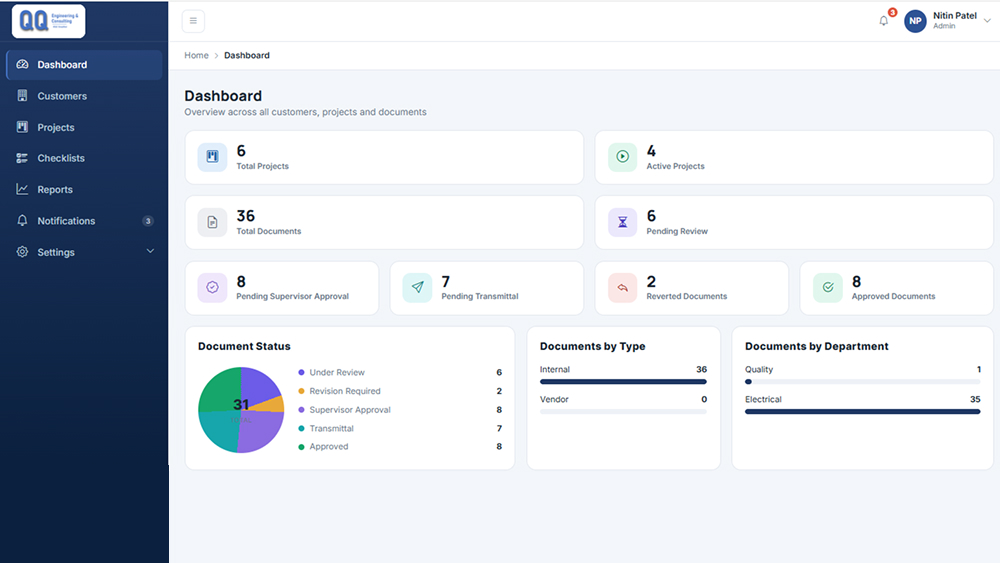

The situation
Engineering projects move a large number of drawings and documents across departments, reviewers, supervisors, customers and vendors. On paper or in shared folders, the same questions kept coming back: who owns this document, which revision is current, who still has to review it, and what the customer said last time.
QQ Engineering needed one place where a project’s documents, people and decisions stay together, with each role seeing only the work that belongs to them.
Who owns this document, which revision is current, and what the customer said last time.
What we built
We treated the project as the unit of work. A user opens a project and stays inside its sidebar for overview, nominations, the master list, documents, review, communication and transmittal. Permissions decide which of those tabs appear.
The document path is a sequence of named statuses. Each handoff is written into a workflow history with the person, the time and the decision, and the dashboards count those statuses instead of asking people to report them by email.
Inside the system
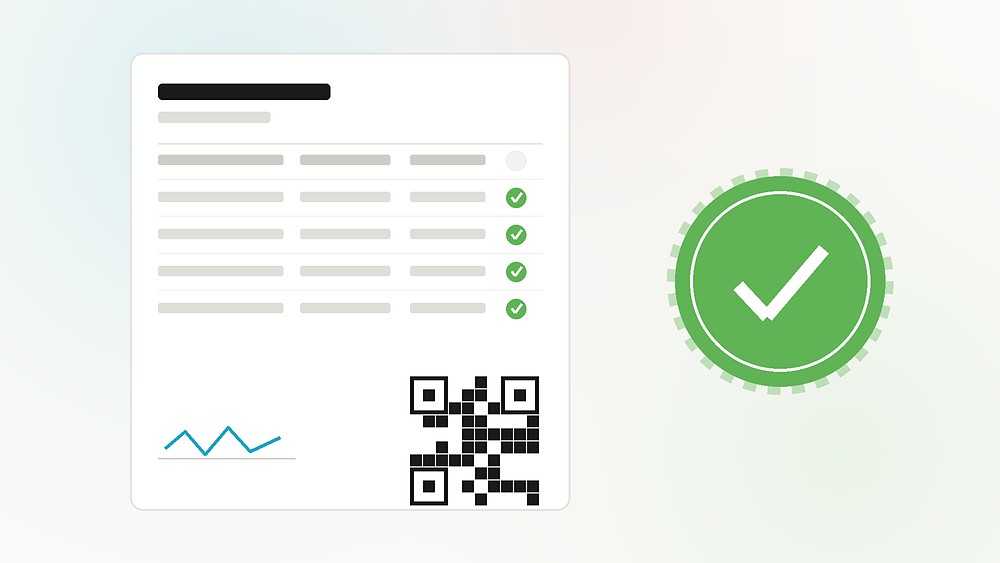
One document, from its register row to its approved response.
Projects and people
- Customers and projects, with a live project count
- Engineers and reviewers nominated by department
- Role-based dashboards for admins, managers, engineers and supervisors
Documents and review
- Master document list, added row by row or imported from CSV
- PDF or Word upload with revisions and remarks
- Department checklists with required comments
- Supervisor approval, transmittal and vendor print control
Correspondence and record
- In-house notices and intra-department memos
- External letters to client, vendor or EPC contractor
- Minutes of meeting and site queries
- Workflow history and customer response files on the same document
What it looks like
Screens from the staging environment, populated with test data.
What changed
One register for every document
A master-list row exists before the file is uploaded, so the register and the files stay in step, and everyone can see who owns what.
Review with a visible shortcut
Reviewers work through a checklist and must comment on each required item. Sending straight to supervisor approval is a named choice on screen, not an accident.
History stays with the document
Status, reviewer, supervisor, customer files and timestamps remain readable after approval, without rebuilding the path from email.
How it was built
A web application with server-rendered screens, so each role sees a complete page for the task in front of them.
Other systems we have built near this one
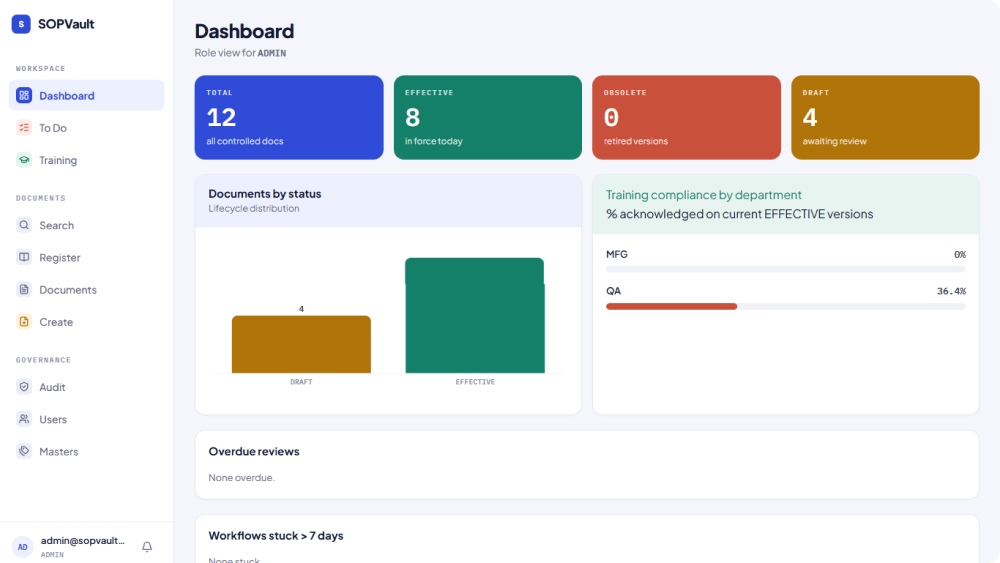
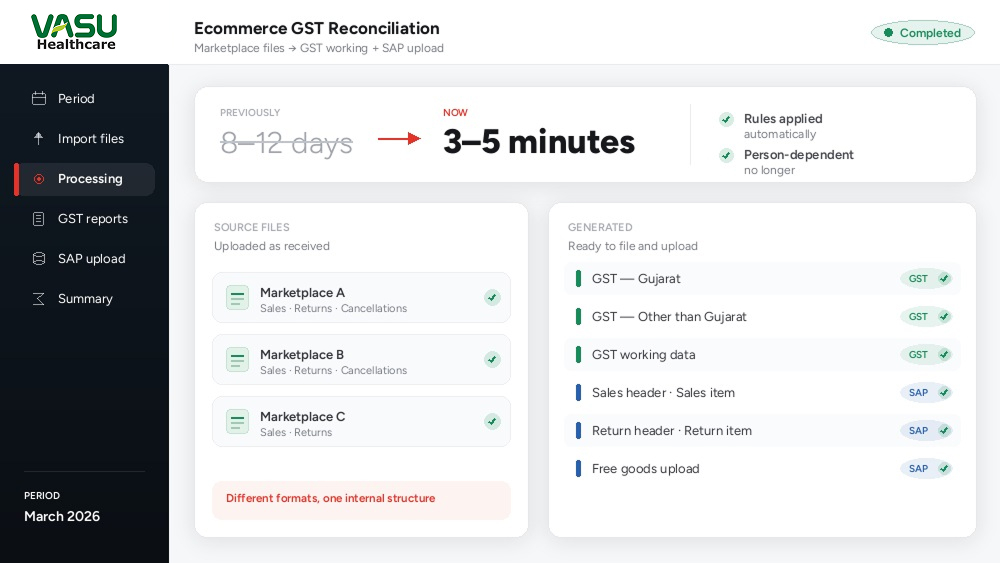
Are your documents still moving through email and shared folders?
Tell us how a document reaches a reviewer, a supervisor and a customer today. We will show you where the path breaks, and what is worth building.