



One version in force.And you can prove it.
A controlled document system for a regulated plant - SOPs, work instructions and forms carried through draft, review, approval and retirement, with electronic signatures bound to the exact file they signed, an audit trail the database will not let anyone edit, and a two-person rule on taking a document out of use.

The situation
In a regulated plant the document is the control. An operator follows a procedure because it is the current approved one, a batch record refers to a version that was in force on the day, and an inspector asks to see both. When those documents live on a shared drive and get approved over email, none of that is provable. Somebody can open last year’s revision and follow it correctly. Two people can hold different files with the same name. An approval exists as a sentence in an inbox that names no version.
The failure is rarely dramatic. It is the wrong revision used on the floor and found months later in an audit, and the days spent assembling evidence that should have taken minutes - which version was effective in March, who approved it, who had been trained on it, and whether the copy in the binder is the one that was released.
Having the documents is not the problem. Proving which one was in force, who released it, and who had been trained on it - that is the problem.
What we built
A document has an identity and a series of versions, and the file behind a version is never overwritten. It moves through a status machine - draft, in review, in approval, effective, and on to periodic review or retirement - and only the transitions that are legal for its current state are available. A new revision of an effective document opens a fresh draft with a stated reason, so the previous version is superseded rather than replaced. Printing an effective PDF produces a watermarked controlled copy, and the print itself is an audited event.
Signing is the part that has to be worth something. A reviewer or approver re-enters their password at the moment of signing, and the signature records not just who and when but what it meant - reviewed, approved, status overridden, retirement requested, retirement confirmed. The signature hash binds the user, the version, the meaning, the timestamp and the hash of the file itself, so a signature cannot be quietly moved onto different content. Underneath it all sits an append-only audit trail, protected at the database level against update and delete rather than by application code that could be bypassed.
Taking an effective document out of use is the one action deliberately made harder. One QA user requests retirement and the document stays effective, visibly pending. A different QA user has to confirm it, and confirming your own request is blocked. Removing a controlled procedure from circulation is exactly where a single-person action is most dangerous, so it is the place the system insists on two.
Taken together these are the technical controls a regulated document system is expected to carry - unique named accounts, role-based access, signatures bound to content, an audit that cannot be rewritten - and they are built toward 21 CFR Part 11-style expectations. What they are not is compliance. A validated system is made by the customer’s own SOPs, their training on it, and computer system validation; no software does those for anyone, and any vendor saying otherwise is selling something.
Inside the system
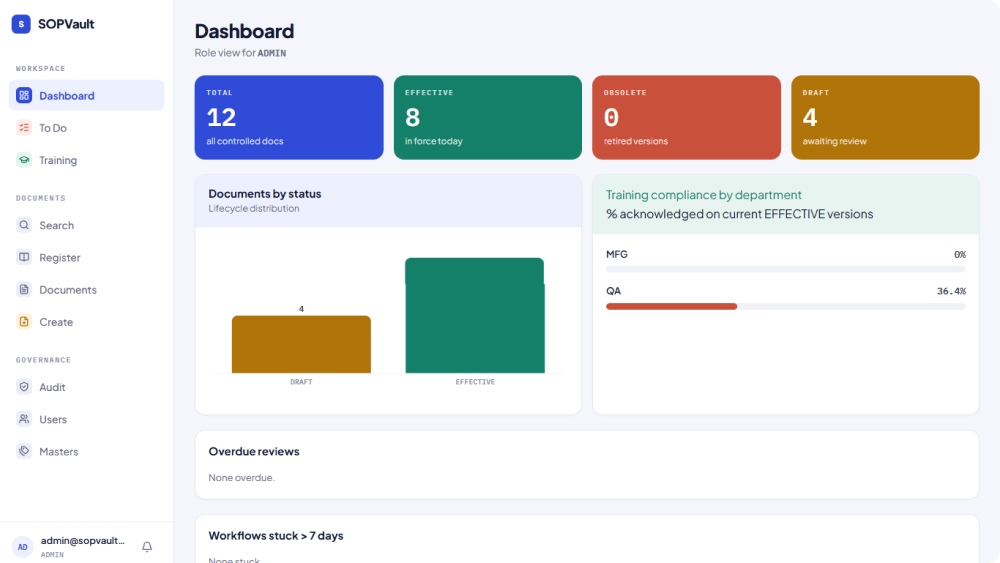
What the quality function actually works with, day to day.
Controlled documents
- Document header with immutable versions - file content is never overwritten
- Controlled numbering by category and department, as SOP-QA-0001
- Status machine enforcing only the transitions legal from the current state
- New revision from an effective document opens a draft with a stated reason
- Upload validation on type and magic bytes, not just file extension
- Controlled print of effective PDFs, watermarked and audited as an event
Review and approval
- Workflow starts from draft with at least one reviewer and one approver
- Sequential or parallel review steps
- Rejection returns the document to draft with the comments kept
- A to-do inbox surfacing what is assigned to you
- Escalation for workflows that stall
Signatures that mean something
- Password re-authentication at the moment of signing
- Signature records its meaning - reviewed, approved, overridden, retirement requested or confirmed
- Hash binds user, version, meaning, timestamp and the file’s own hash
- Signature manifestation on effective documents
- A verification route for checking signature integrity
Two-person retirement
- A QA user requests retirement; the document stays effective meanwhile
- The pending request is visible rather than silent
- A different QA user must confirm it
- Self-confirmation is blocked outright
The audit trail
- Append-only, protected at the database level against update and delete
- Document changes, workflow actions, signatures, retirement, training and prints
- Login success and failure, with passwords never written to the log
- Elevated severity on administrator actions
- Global trail for QA and admin; per-document trail for controllers
Training, review and the register
- Training assigned only against effective documents, by person or department
- Acknowledgement recorded with its timestamp
- Periodic review scheduled with reminders ahead of the due date
- Full-text search that respects each role’s access
- Document register exportable to Excel for an inspection pack
- Accounts provisioned by an administrator - no self-registration
What it looks like
What it changes
Only one version can be in force
An operator opening a procedure gets the effective one, because superseded versions stop being available for use rather than sitting alongside it with a similar filename. The question "is this current?" stops depending on who you ask.
A signature says what it meant
Not a name in an email thread, but a re-authenticated act recording the person, the version, the meaning and the moment, bound by hash to the file that was signed. What was approved cannot drift away from what was signed.
Removing a document takes two people
Retirement is a request and a confirmation by two different QA users, and confirming your own request is blocked. Segregation of duties stops being a policy somebody is trusted to follow and becomes something the system will not let you skip.
The history cannot be tidied up
The audit trail is append-only and protected in the database itself, not by application code that a direct connection could go around. What it says happened is what happened, which is the only condition under which an audit trail is worth keeping.
Training is tied to the version in force
Assignments run against effective documents and acknowledgements are timestamped, so "this person was trained on the procedure that was current" is a record rather than a reconstruction.
The inspection pack is a query, not a project
The register exports and the trail retrieves on demand. Answering what was effective, who released it and who was trained on it becomes a search rather than several days of assembling evidence from shared drives and inboxes.
How it was built
One deployable application with its domain logic in services behind thin routes, so the rules that matter - the status machine, the signature binding, the two-person retirement - sit in one place and can be evidenced as such. Audit immutability is enforced by database triggers rather than application code, because a control that only exists in the app is a control that a direct database connection ignores. File storage sits behind an interface so object storage can replace local disk without touching the domain.
Other systems we have built near this one
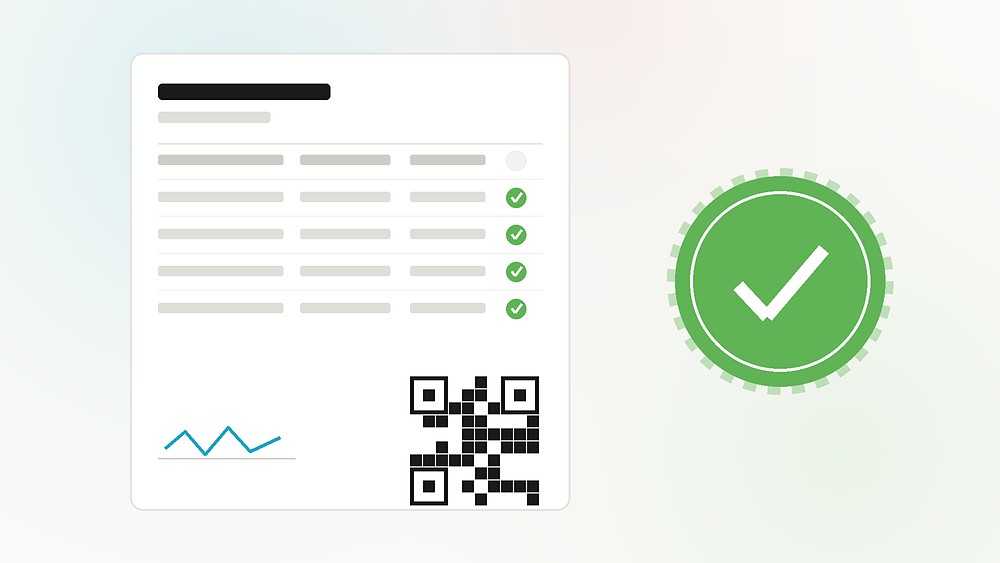 Pharma & Life SciencesCertificates of Analysis, from Excel to a controlled workflowRead the case study>
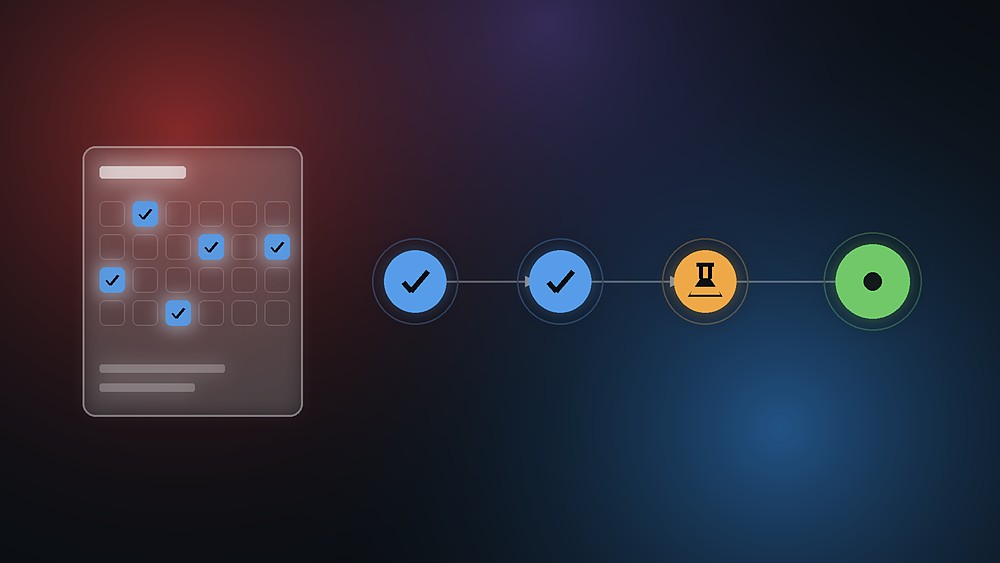 Pharma & Life SciencesSAP access and change requests, from ask to go-liveRead the case study>
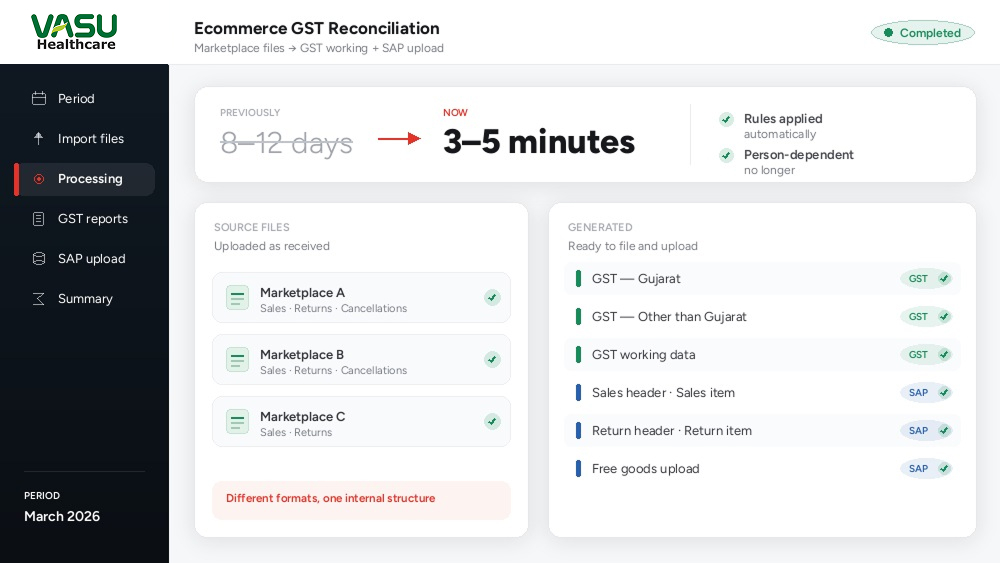 Pharma & Life SciencesEcommerce GST reconciliation, from eight days to a few minutesRead the case study>
Where do your SOPs actually live?
If the answer is a shared drive, a folder someone maintains, or an inbox with approvals in it, the documents are probably fine and the evidence is the problem. Tell us how your document control runs today and what you have to produce in an inspection, and we will tell you honestly which parts a system like this covers - and which parts stay with your own SOPs, training and validation, because no software does those for you.