



One approval sequence.No level gets skipped.
A single application for three kinds of travel claim - advance requests, travel reimbursement and local conveyance - each routed through the same configurable, sequential approval chain instead of whichever email thread it happened to land in. Editing that chain later does not rewrite the history of a claim already moving through the old one, and the reports the Account team needs for payment and SAP both come out of the system that approved the claim in the first place. Live in production for three months.
The situation
Travel and expense claims are three different problems wearing one name. An advance needed before a trip, a reimbursement claimed after one, and a local conveyance top-up for a client visit across town all move at different speeds, carry different evidence, and land with different approvers - but they are usually forced through the same one-size-fits-all form, or worse, an email thread that starts wherever the employee happens to know to send it.
Once a claim is in that thread, it stops being a record and starts being a search. Which manager has it now. Whether Finance has already seen it. Whether the receipt attached is the one that was approved. And when the approval chain itself needs to change - a new cost centre, an added sign-off - every one of those changes to what a request already in flight is supposed to do next.
A claim in an email thread is not a record. It is a search - for who has it now, and what they were shown.
What we built
One application, three claim types. An employee raises an Advance Amount Request, a Travel Reimbursement covering flights, taxis, trains, hotels and meals for domestic or international travel, or a Local Conveyance claim for fuel and other on-the-ground expenses - each with its own fields and its own supporting documents, saved as a draft or submitted, and each entering the same sequential approval chain: employee to manager to department head to Finance to a final approver, configured by the administrator rather than hard-coded into the application.
At every step an approver has four real options, not two: approve, reject with a recorded reason, revert the claim to the employee for correction, or ask for clarification without kicking it out of the queue entirely. The chain itself is versioned - when the administrator changes it, that produces a new version rather than editing the one in use, so a claim already halfway through approval keeps running against the sequence it started under, and the workflow history stays exactly as it happened rather than being rewritten by whatever the rules say today.
The administrator also holds a single To-Do view across every open claim in the business - who it is currently waiting on, how long it has been there, and the ability to reassign it if that approver is away, so one person’s absence does not stall the queue. On the other side, Finance and Accounts draw four report types out of the same data: a Bank Payment Report for processing the transfers, a Daily Allowance Report, a consolidated Expense Report, and an Employee Expense BDC Report built specifically for SAP import - so the numbers going to the bank and the numbers going into SAP both trace back to the claim that was actually approved.
Inside the system
What each role actually works with.
Raising a claim
- Advance Amount Request, with the required amount and travel details
- Travel Reimbursement for domestic or international trips - flights, taxi, train, hotel, meals, incident expenses
- Local Conveyance for fuel and other on-the-ground costs
- Supporting documents attached against the claim - bills, invoices, tickets, receipts
- Save as draft, or submit into the approval chain
Moving through approval
- A configured sequence - employee, manager, department head, Finance, final approver
- Four actions at every step: approve, reject with a reason, revert for correction, ask for clarification
- A claim moves to the next approver only once the current one has acted
- Full history retained - submission, every action taken, and by whom
Changing the rules without losing the history
- Expense category rules configurable per category - maximum amount, required documents, domestic or international applicability
- A workflow edit creates a new version rather than overwriting the one in use
- Claims already in flight keep running against the sequence they started under
- Historical approval information stays intact regardless of later configuration changes
Keeping the queue moving
- A centralised admin view of every open and pending claim
- Filterable by status, current approver, and how long a claim has been waiting
- Reassign an unavailable approver so the claim keeps moving
- Cancel a claim, with the action recorded against it
Getting the money and the numbers out
- Bank Payment Report - payment type, account numbers, IFSC code, amount, ready for transfer processing
- Daily Allowance Report, filterable by employee, month and year
- Employee Expense BDC Report built for SAP import
- A consolidated Expense Report and Reimbursement Report, filterable by employee, department, claim type, status and date range
What changed
Every claim follows the same sequence
Advance requests, travel reimbursement and local conveyance all move through one configured chain rather than three ad hoc habits, so who approves what, and in what order, no longer depends on who the employee happened to email.
A rule change does not rewrite a claim already in progress
Because the workflow is versioned, editing the approval sequence today does not touch the sequence a claim in flight is already running against. What actually happened to a request stays exactly as it happened.
An absent approver is not a stalled claim
The administrator can see every open claim in one place and reassign it if the approver holding it is unavailable, instead of the claim simply waiting for that person to be back.
The bank file and the SAP export trace back to the same approval
The Bank Payment Report and the Employee Expense BDC Report are both drawn from claims the system itself approved, rather than being rebuilt by hand from whatever records Finance could gather.
Three months in, and it is holding
The system has been live in production for three months. The client reports it running smoothly with no rollback and no operational complaints - a genuine result, even though no claim-volume or time-saved figures have been collected yet to put a number on it.
How it was built
A single ASP.NET Core application over SQL Server - the workflow engine, the expense rules, the reporting and the SAP export all sit inside the one system, rather than the reports being assembled afterwards from a separate export.
Other systems we have built near this one
 Pharma & Life SciencesSAP access and change requests, from ask to go-liveRead the case study>
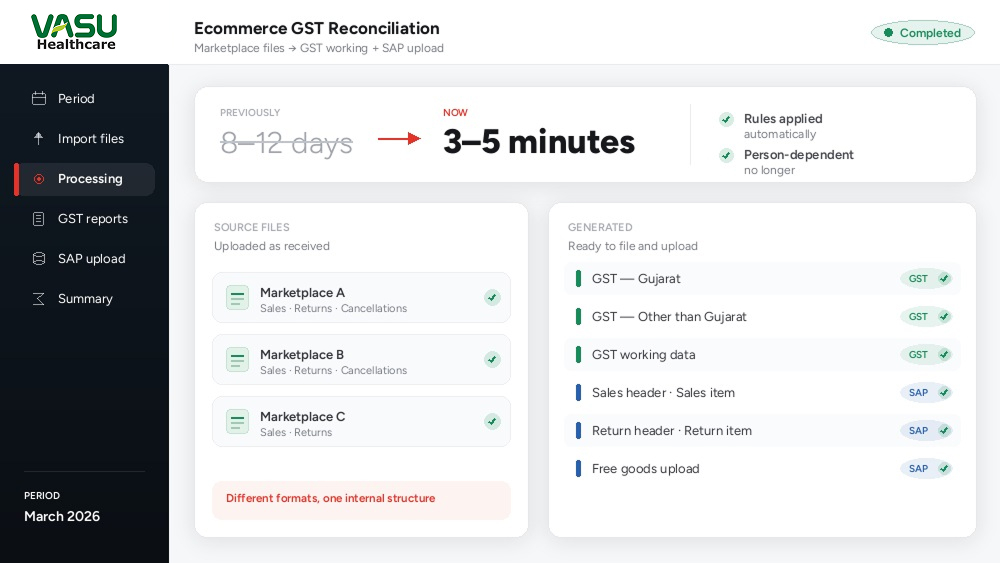 Pharma & Life SciencesEcommerce GST reconciliation, from eight days to a few minutesRead the case study>
 Pharma & Life SciencesA Kaizen system tracking employee ideas from submission to rewardRead the case study>
Are your travel claims still approved over email?
Advances, reimbursements, local conveyance, any claim that has to pass through more than one pair of hands before it is paid - tell us how yours moves today, and we will tell you honestly what a system like this would need to cover, and what it would take to get your Bank Payment and SAP reports out of it as well.